Plans Agency Integrations FAQs Blog Contact Login
the hot or not for your email clicks

What's hot or not for your email marketing

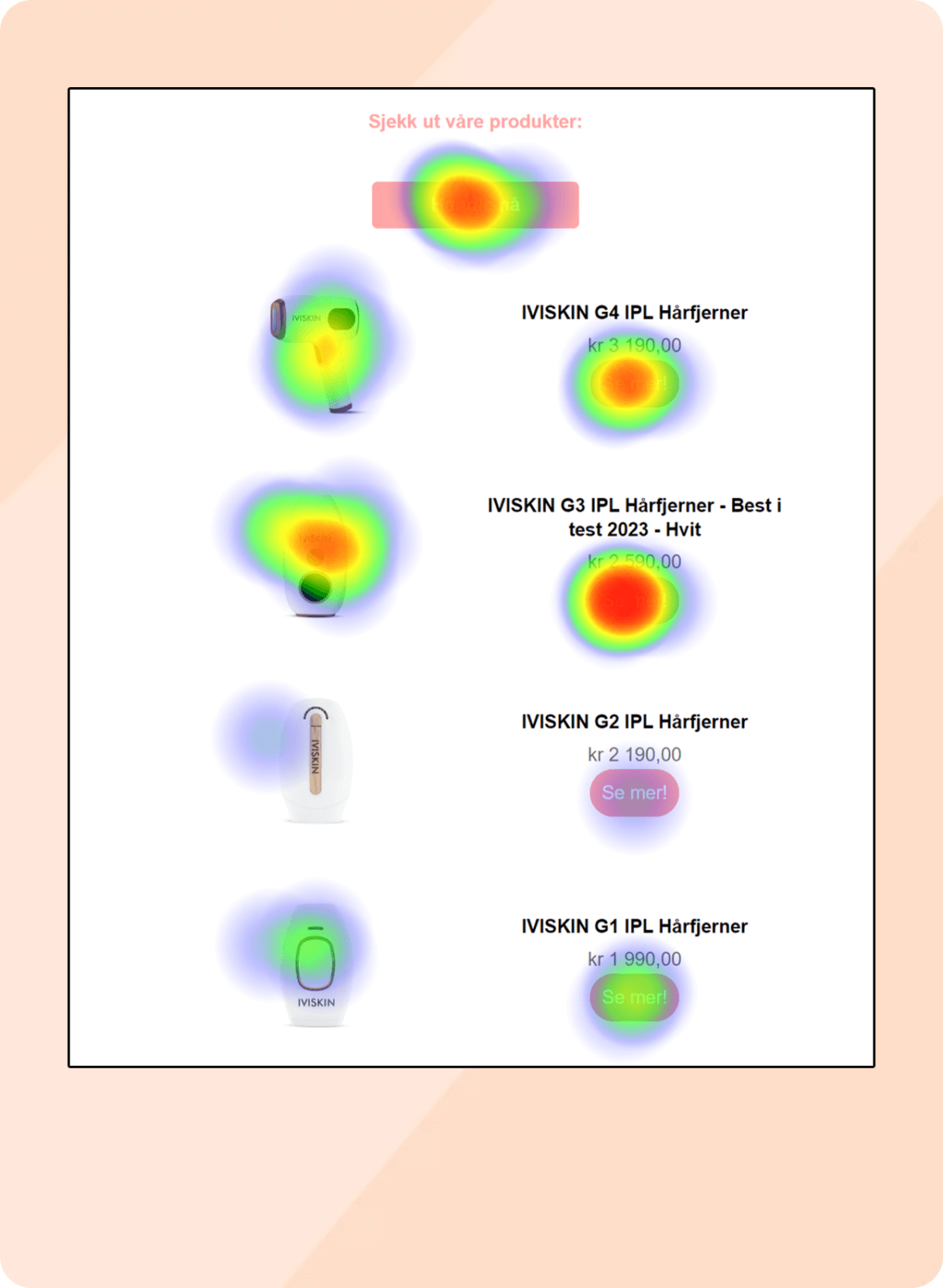
Create heatmaps from all your email campaigns and instantly see which clicks are hot, which are not, and exactly where your customers are clicking. One-step setup. Zero risk to your list.

Safe & secure — we never connect to your mailing list or subscribers

// trusted by brands that take email seriously

dryrobe BBC Maestro Newsflare Budd Shirts Westfield Creative Ally Capellino
01 — see it in action

Watch Email Heatmaps work

Connect, pick a campaign, and watch the heatmap appear. Here's the whole thing in under a minute.

app.emailheatmaps.com — campaign demo
02 — try it yourself

Click around the email

Click the buttons, images and links a subscriber would. Watch the heatmap build out exactly like a real campaign report — cold where nobody clicks, hot where they do.

click anything a subscriber would →
0
clicks tracked
hottest zone: —
coldhot

Every subscriber click is plotted like this — across your whole campaign, automatically.

03 — instant reports

Heatmap reports of every click in your campaign

With our easy 1-step setup, analyse the results of all your email campaigns and truly understand which areas get the most clicks. Simply connect your platform — and we do the magic.

  • Report exactly where customers are clicking
  • Safe, secure — never touches your subscriber data
  • Free for 14 days — cancel any time
Start your free trial →
Heatmap clicks report
why email heatmaps

Everything you need to optimise clicks

01

Create heatmap reports

Report exactly where your customers are clicking in your emails — at a glance.

02

Easy setup

Integrate to your email platform in a single step via API key or direct login.

03

Plans to suit your needs

Choose a plan that works for you. No notice period — cancel at any time.

how it works

How to use heatmaps in email analysis

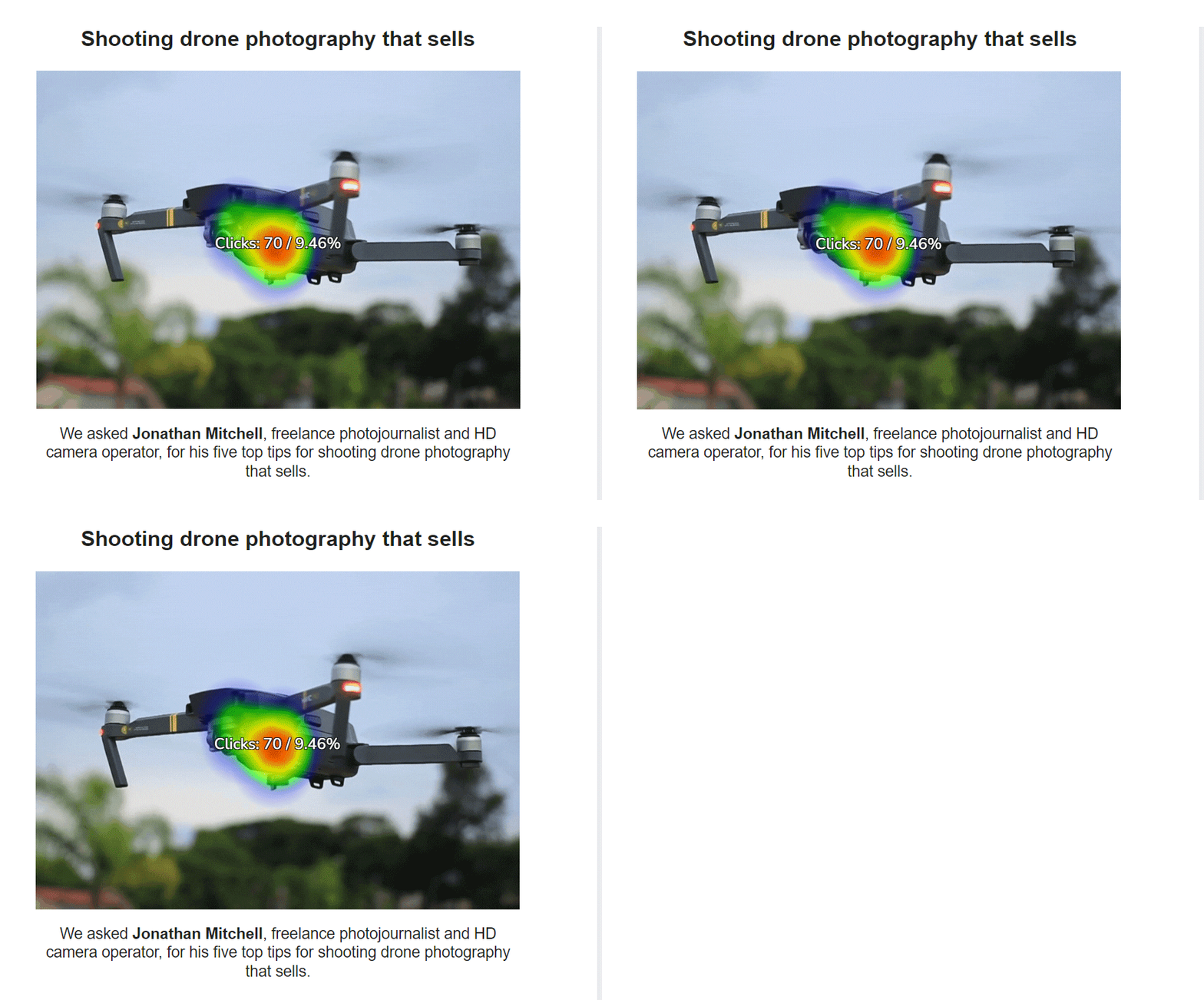
An email heatmap paints your click data onto the email you sent, so you can see which links people chose and which they skipped.

  1. Connect your email platform. Sign in to it, or paste an API key. We never connect to your mailing list.
  2. Pick a sent campaign. We pull in your sent campaigns. You choose which ones to turn into heatmaps.
  3. Read the colours. Blue marks the links with the fewest clicks. Red marks the links with the most.
  4. Hover over a link. You see its total clicks and its share of all clicks in that email.
  5. Compare two campaigns. Put them side by side to see what a change did. Compare is on the Professional and Unlimited plans.
integrations

Connects with the platforms you already use

We connect with many of the top email marketing platforms — with many more coming soon.

Klaviyo Mailchimp ActiveCampaign
Brevo
GetResponse
Constant Contact
Benchmark Moosend iContact Smaily
live platforms

Which email platforms work with Email Heatmaps?

Twelve platforms are live today. Here is how each one connects and what you can turn into a heatmap.

PlatformHow you connectWhat you can heatmap
Klaviyo email heatmapSign in to Klaviyo and approve read accessCampaigns and flows
Mailchimp heatmapSign in to Mailchimp and click AllowCampaigns, automations and A/B tests
ActiveCampaign heat mapYour API URL and API keyCampaigns and automations
GetResponseSign in to GetResponse and click AllowNewsletters
Constant ContactSign in to Constant Contact and click AllowCampaigns
BrevoAPI keyCampaigns
OmnisendAPI key, or one click from the Omnisend App MarketCampaigns
MailerLiteAPI tokenCampaigns
MoosendAPI keyCampaigns
iContactApp ID, username, password and API URLCampaigns
Benchmark EmailAPI keyCampaigns
SmailySubdomain, API username and API passwordCampaigns

Automation and flow heatmaps need the Unlimited plan. See every integration.

★ A WORLD-FIRST EMAIL TOOL

Email Heatmaps for your A/B tests

A/B test your campaigns and get a heatmap comparing both versions side-by-side. Here's a real test — which version do you think won?

★ winner tap to pick
Version A — animated GIF
A/B version A animated
4.8% CTR
tap to pick
Version B — static image
A/B version B static
3.1% CTR

↑ pick the version you think got more clicks

available on the unlimited plan · currently mailchimp · more platforms soon

campaign comparison tool

Compare two campaigns, side by side

A one-of-a-kind compare tool. Changed your template, swapped lifestyle for product shots, tried a GIF over a JPG, or rewrote your call-to-action? See exactly what worked and what didn't — so your next campaign performs even better.

Try it free →
Campaign comparison tool
get started

Your free trial in 3 easy steps

Choose your plan, open an account, and connect your email marketing platform.

1
Choose your plan

Choose your plan

Pick a plan based on the total campaigns you want to report on. (Not monthly sends — you choose how many to view.)

2
Create an account

Create an account

Enter your details and card for a 14-day free trial. (No notice period — cancel any time.)

3
Add your integration

Add your integration

Connect Email Heatmaps to your platform via API key or direct login — and you're live.

questions

Email heatmap questions, answered

No, it is a paid tool with a 14-day free trial. You add a card when you sign up, and you can cancel at any time. Plans start at $11.95 a month.

ChatGPT can draw a chart from numbers you paste in. Email Heatmaps reads the clicks from your email platform and paints them on your actual email.

It shows where people click in an email you sent. You can see if the image or the button won, which offers got ignored, and whether a new template changed anything.

Start a free trial, connect your email platform, then open one of your sent campaigns. The heatmap is drawn for you. There is nothing to add to your emails.

No. Email Heatmaps does not connect with or access any personal data or subscriber details from your email marketing platform.

Klaviyo, Mailchimp, ActiveCampaign, GetResponse, Constant Contact, Brevo, Omnisend, MailerLite, Moosend, iContact, Benchmark Email and Smaily.

See the magic appear before your eyes

Register, connect and create your first Email Heatmap — completely free for 14 days. Generate campaigns that deliver maximum return on investment.

Start your free trial →
🔥Which plan's for me?
🔥
Heatmaps AssistantFind your perfect setup in 20s