 ×
×
EmailHeatmaps and Mailchimp integration is live!
How to setup integration
×How to setup integration
Once you have started your free trial, follow these simple steps to setup integration with your Mailchimp account.
Login and click your name top right, then select “Integration”.
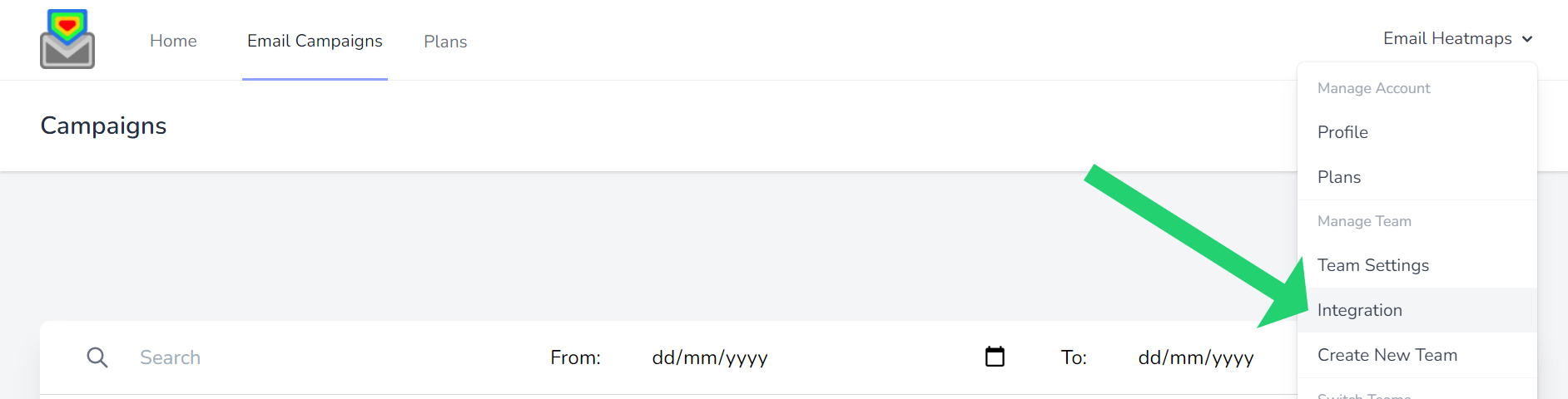
Scroll down to Mailchimp and login with your normal login details.

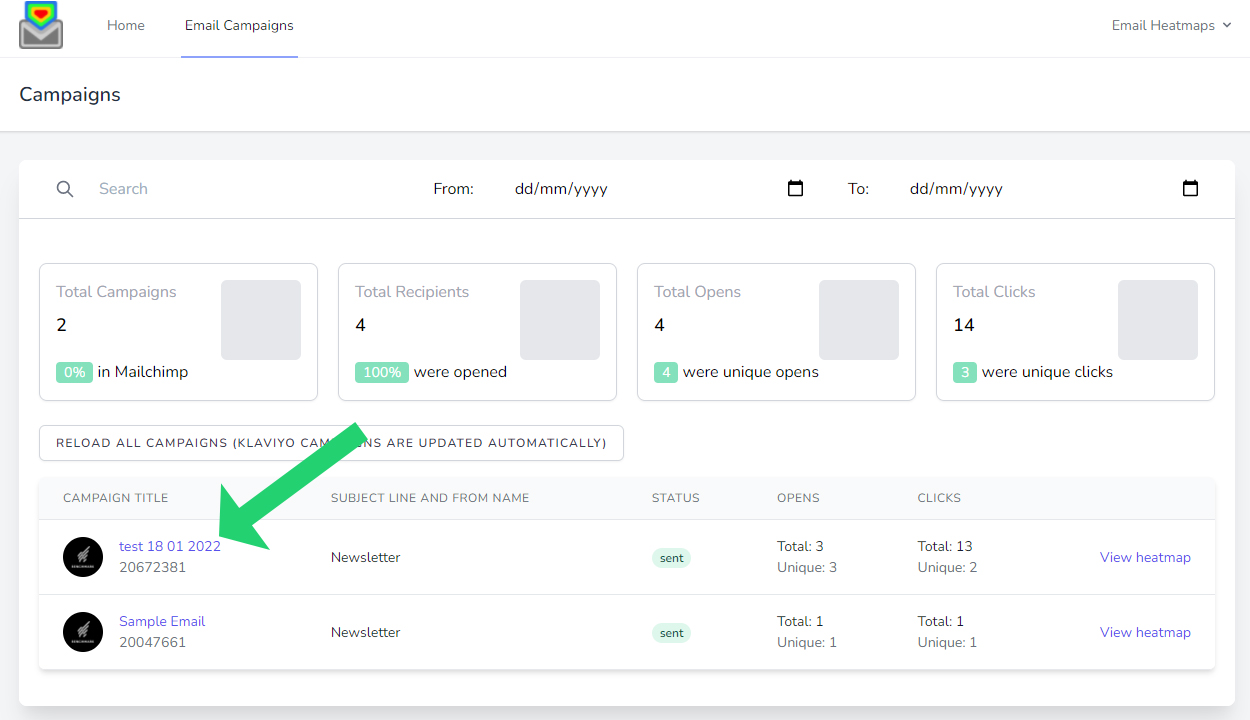
Depending how many campaigns are in your account, you can find all your campaigns if click “Email Campaigns” in the menu bar. You will need to choose the correct plan to display to total email campaigns in your account.

Then all your campaigns will display here:
Simply choose your plan, open an account and connect your email marketing platform!

Select your plan that is based on total campaigns sent in your email platform you wish to report on. (not monthly sends – we pull all your sent campaigns but you select how many you wish to view)

Enter your details, credit card for a 14-day free trial (no notice period and cancel at any time!)

Simply connect EmailHeatmaps to your email marketing platform via API key or Mailchimp direct login.